Key Takeaways
- Video doorbell installation takes 30-60 minutes for most homes in Long Branch, NJ
- Smart thermostats can cut heating and cooling costs by up to 15% each year
- Wired doorbells need a compatible transformer (8-24 volts AC) to work safely
- Wireless options work great for seniors who want simple, no-fuss setup
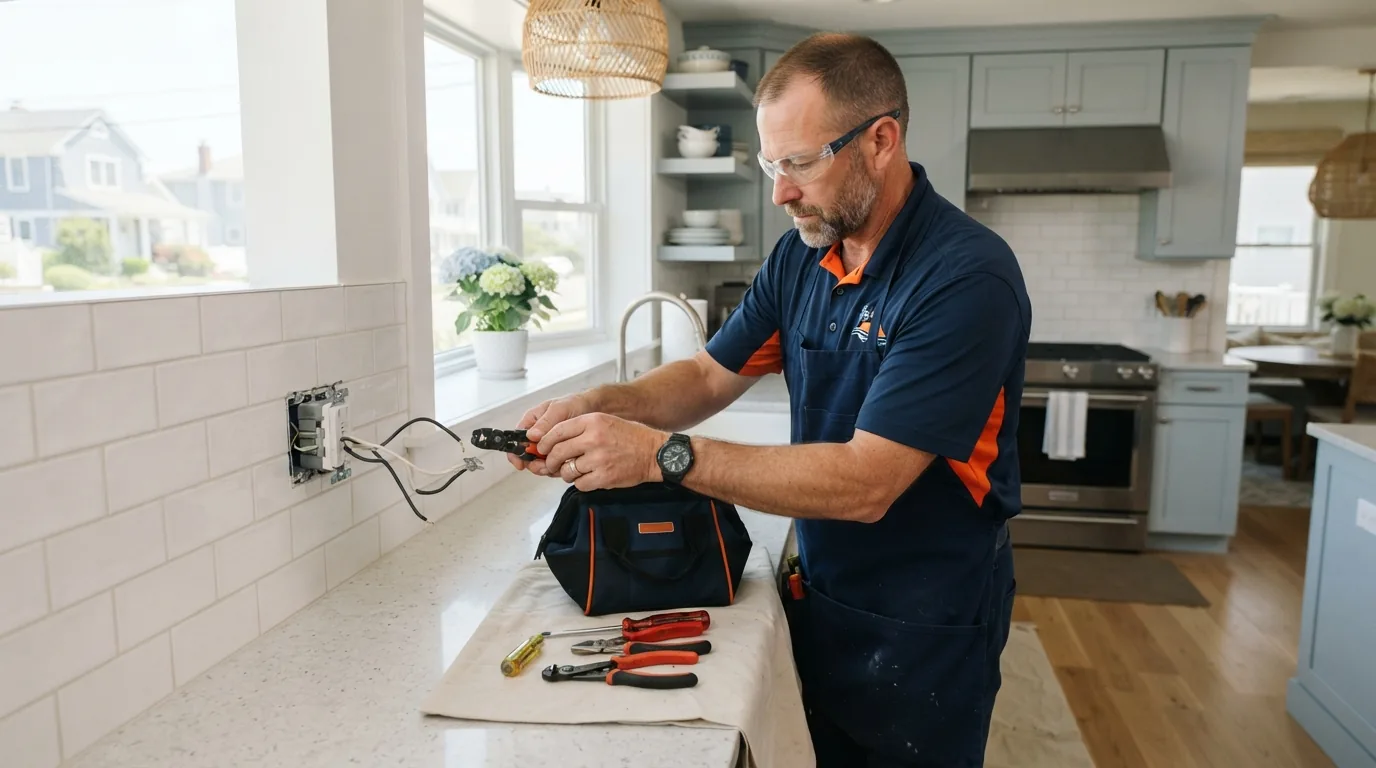
- Professional handyman services ensure proper wiring and avoid electrical hazards
- Most smart devices connect to your phone for easy control from anywhere
What makes smart home devices worth the investment? They save money, boost safety, and make daily life easier. At Any Time Any Job Handyman in Long Branch, NJ, we help homeowners upgrade to video doorbells and smart thermostats every week.
These devices are not just trendy gadgets. They solve real problems. You can see who’s at your door from your phone. You can adjust your heat while sitting on the couch. For older adults, these tools add peace of mind.
Let’s walk through what you need to know about video doorbell installation and thermostat setup.
Why Should You Install a Video Doorbell?
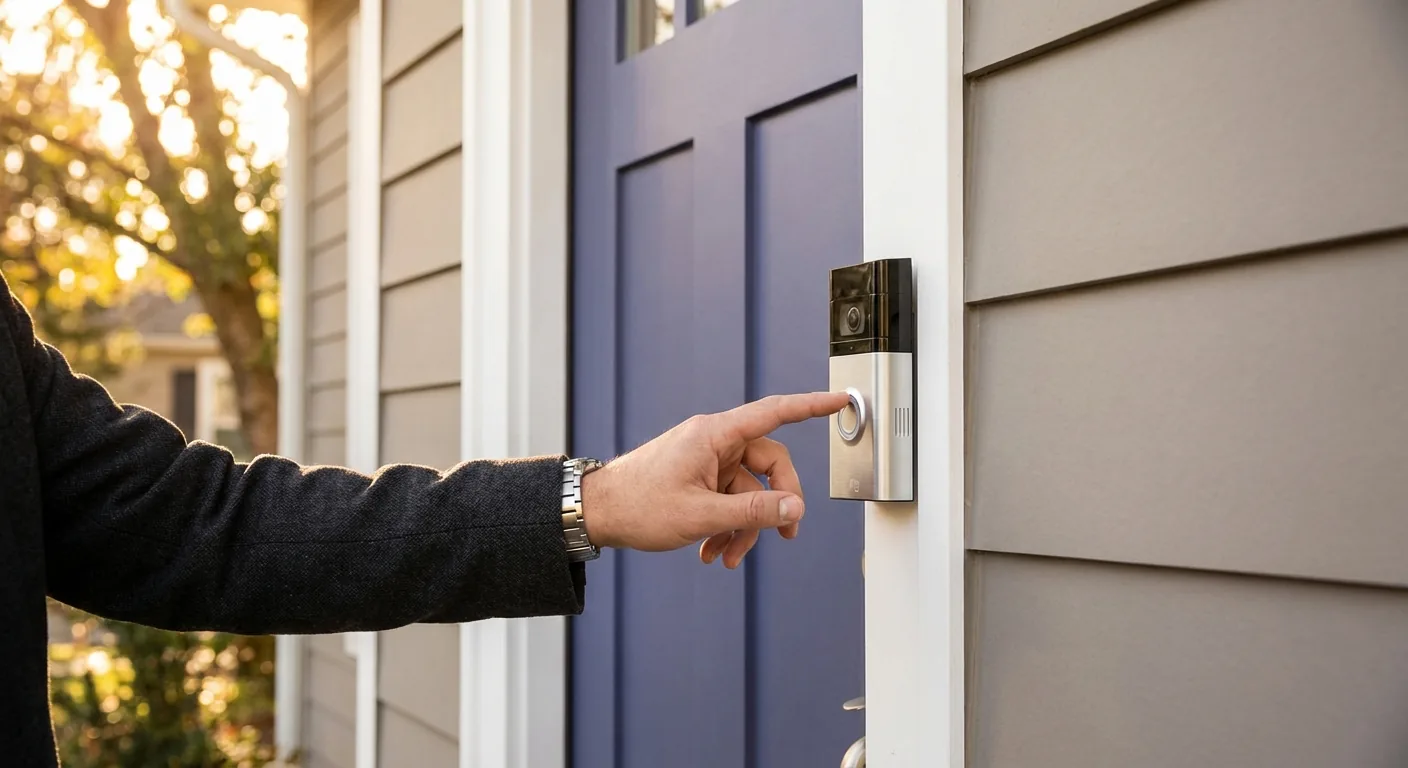
Video doorbells let you see visitors without opening the door. This is huge for safety. Studies show visible security cameras can reduce burglaries by up to 55%.
For a smart home for elderly residents, this feature is a game-saver. Mom or Dad can see who’s knocking from a tablet. No need to rush to the door.
Most video doorbells also record motion. You’ll have footage if something happens. Many Long Branch, NJ homeowners love this extra layer of security.
| Doorbell Type | Power Source | Best For |
|---|---|---|
| Wired | Existing doorbell wires | Homes with current wiring |
| Wireless/Battery | Rechargeable battery | Renters or simple installs |
| Plug-in Adapter | Standard outlet | No existing wires nearby |
What Tools Do You Need for Video Doorbell Installation?
Basic video doorbell installation requires just a few items. You likely have most of them already.
Tools needed:
– Phillips head screwdriver
The Ring Video Doorbell installation guide shows each step clearly. But here’s the short version.
First, turn off power at your breaker box. Safety comes first with any electrical work.
Next, remove your old doorbell button. Keep the wires from falling back into the wall. You’ll need them.
Then, mount the new doorbell bracket. Connect the wires to the terminal screws. Snap the doorbell onto the bracket.
Finally, restore power and test it. The light should turn on within a minute.
How Does Thermostat Setup Save You Money?
A smart thermostat learns your habits. It adjusts the temperature when you’re away. It warms up before you get home.
This simple change can lower your energy bills fast. Energy Star reports average savings of 8% on heating and cooling costs.
Nest, Ecobee, and Honeywell are popular brands. Each connects to Wi-Fi. You control them from your phone.
Installation is straightforward for most homes. But older houses in Long Branch, NJ sometimes have tricky wiring. That’s where handyman smart home services come in handy.
Basic thermostat setup steps:
- Turn off your HVAC system at the breaker
- Remove the old thermostat cover
- Take a photo of the wire connections
- Label each wire with tape
- Disconnect wires from the old base
- Mount the new thermostat base
- Connect wires to matching terminals
- Attach the new thermostat face
- Restore power and follow app setup
The photo step is critical. It saves headaches if you mix up wires later.
Is Smart Home Technology Good for Seniors?
Absolutely. A smart home for elderly family members offers real benefits.
Video doorbells mean no more rushing to the door. Grandma can see the visitor on her phone or tablet first.
Smart thermostats keep the house comfortable without fiddling with buttons. Some models even send alerts if the temperature drops too low.
Voice assistants like Alexa can control both devices. Just say “show me the front door” or “set heat to 70 degrees.”
Many families in Long Branch, NJ install these devices at their parents’ homes. It gives everyone peace of mind.
The Blink Video Doorbell setup guide notes that wireless options work great for simple installs. No wiring means less hassle.
What Are Common Video Doorbell Problems?
Sometimes things don’t go smoothly. Here are issues we see often.
Transformer not compatible: Wired doorbells need 8-24 volts AC power. Older homes may have weak transformers. A handyman can upgrade this safely.
Weak Wi-Fi signal: The doorbell sits outside. Your router might be too far away. A Wi-Fi extender often fixes this.
Wrong mounting height: Install the camera 40-48 inches from the ground. This captures faces, not foreheads.
Loose wires: Connections must be tight. Loose wires cause intermittent power issues.
Professional handyman smart home services handle these problems quickly. We’ve seen it all.
Should You DIY or Hire a Professional?
Both options work. It depends on your comfort level.
DIY makes sense when:
– You have existing doorbell wiring – Your home has standard voltage – You’re comfortable with basic tools – You have 1-2 hours to spare
Hire a pro when:
– Your home lacks doorbell wiring – You need transformer replacement – The mounting surface is brick or stucco – You want it done right the first time
Professional installation costs range from $100-200 for most jobs. That includes testing everything works perfectly.
Check out our services page to see what we offer. We handle electrical, plumbing, and all types of home upgrades.
How Long Does Installation Take?
Most video doorbell installation jobs take 30-60 minutes. Simple wireless models take even less time.
Thermostat setup runs about 45 minutes to an hour. Older HVAC systems may need extra time for wire tracing.
When we handle both devices together, expect about 2 hours total. We test everything before leaving.
Want to learn more home improvement tips? Visit our blog for helpful guides.
Conclusion
Smart home upgrades make life easier and safer. Video doorbells show you who’s at the door. Smart thermostats cut your energy bills.
These devices work great for families of all ages. They’re especially helpful for seniors living alone.
Ready to upgrade your Long Branch, NJ home? Any Time Any Job Handyman is fully insured and ready to help. Contact us today or call (732) 924-8444 to schedule your video doorbell installation or thermostat setup.